Buy a domain
Search for a domain, register it from your wallet, and manage its DNS records, nameservers and WHOIS privacy.
You can register a domain in the dashboard and pay for it from your wallet. Once it is yours, you manage its DNS records on the same page and point it at a container, a VPS or your email.
Open your project and choose Domains in the sidebar. The page has three tabs: Search & Register, My Domains and Transfer.
Register a domain
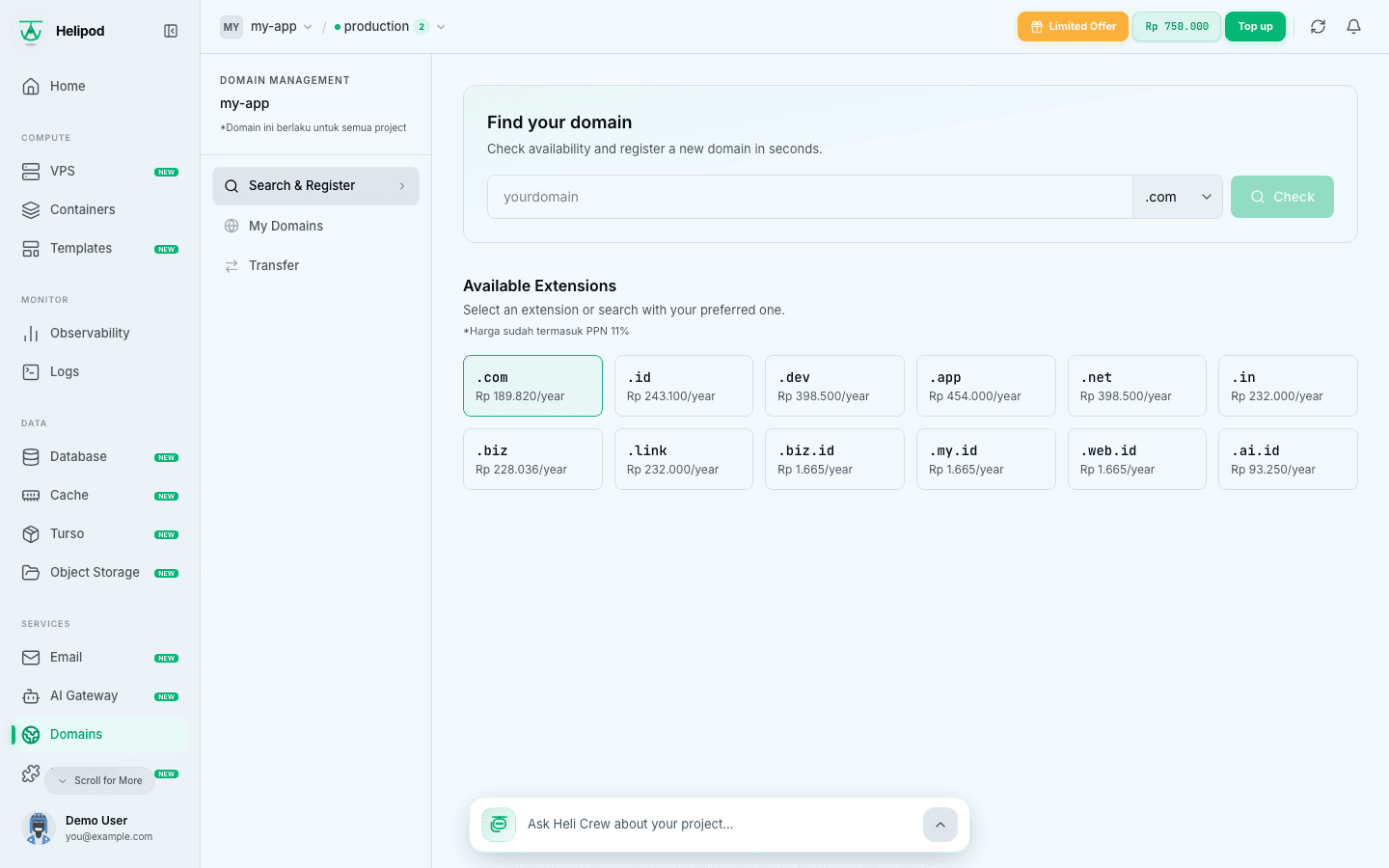
Search for a name
On Search & Register, type the name you want under Find your domain (for example tokoku, or tokoku.id with an extension) and click Check.
Below the search box, Available Extensions lists each extension with its yearly prices: Registration, Renewal, Transfer and WHOIS privacy. Click an extension to search with it. All prices already include PPN 11%.
Check the result
The result says Available for registration or Not available, with the price per year.
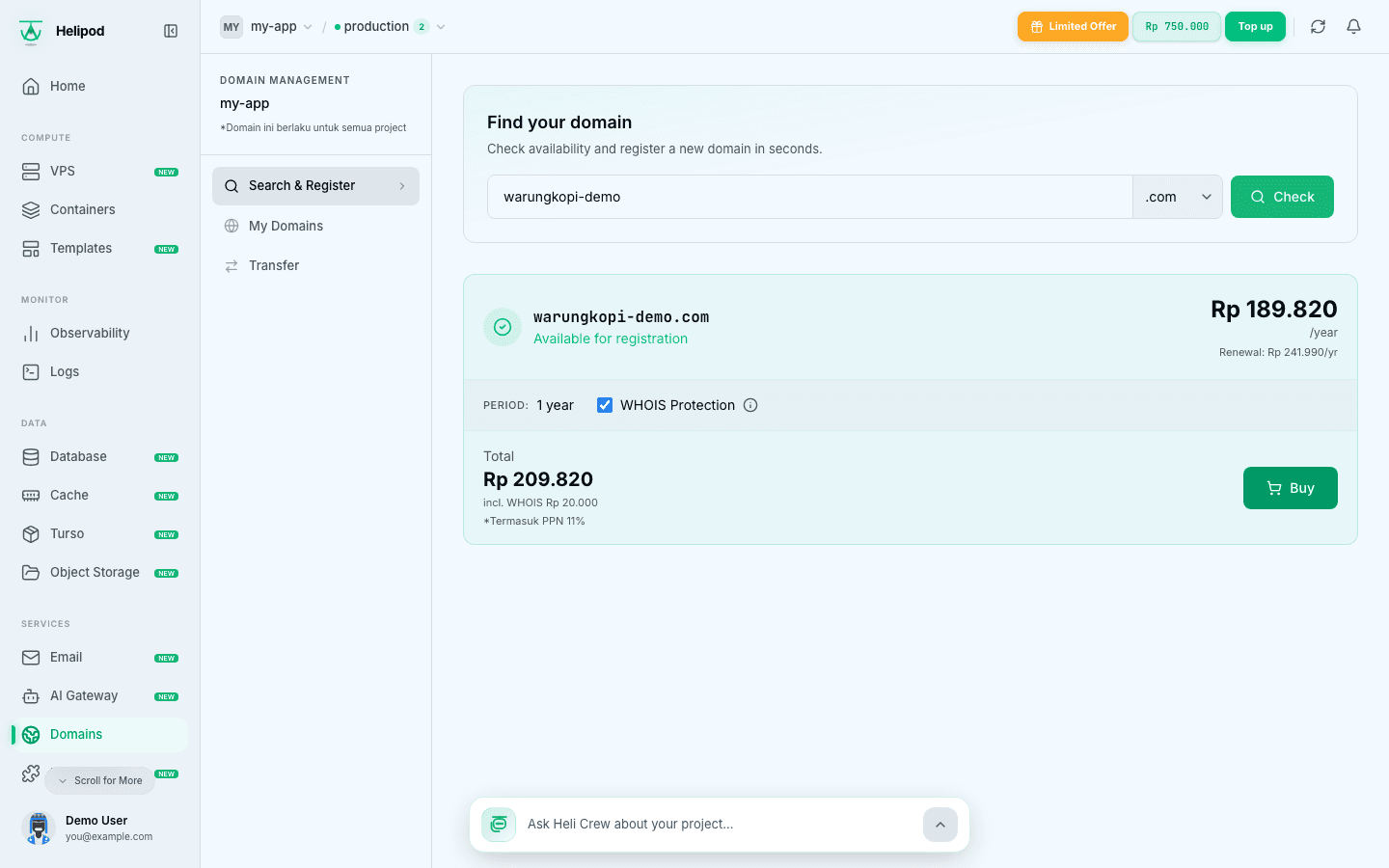
The registration Period is 1 year. Tick WHOIS Protection to hide your personal info from the public WHOIS (Rp 20.000 per year, added to the total). Then click Buy.
Check out
The Checkout dialog shows the domain, the period, the registration price, the renewal price per year, the WHOIS fee if you chose it, and the Total.
Domain registries (ICANN rules) require the owner's contact details. If your profile is not complete yet, you are asked for them before you can pay: Phone, Address Line 1, City, State, Country and Postal Code are required, Organization and Address Line 2 are optional. These details are saved for your next domain.
Pay
Click Register. The total is charged to your wallet. If the wallet does not have enough balance you see Insufficient balance. Please top up your wallet first.
Verify your email
After registration, the registry sends a verification email to the domain owner's email address. Open it and confirm. Check your spam or promotions folder if it does not arrive within a few minutes.
Verify promptly. The registry can suspend a domain whose owner email is not verified.
My Domains
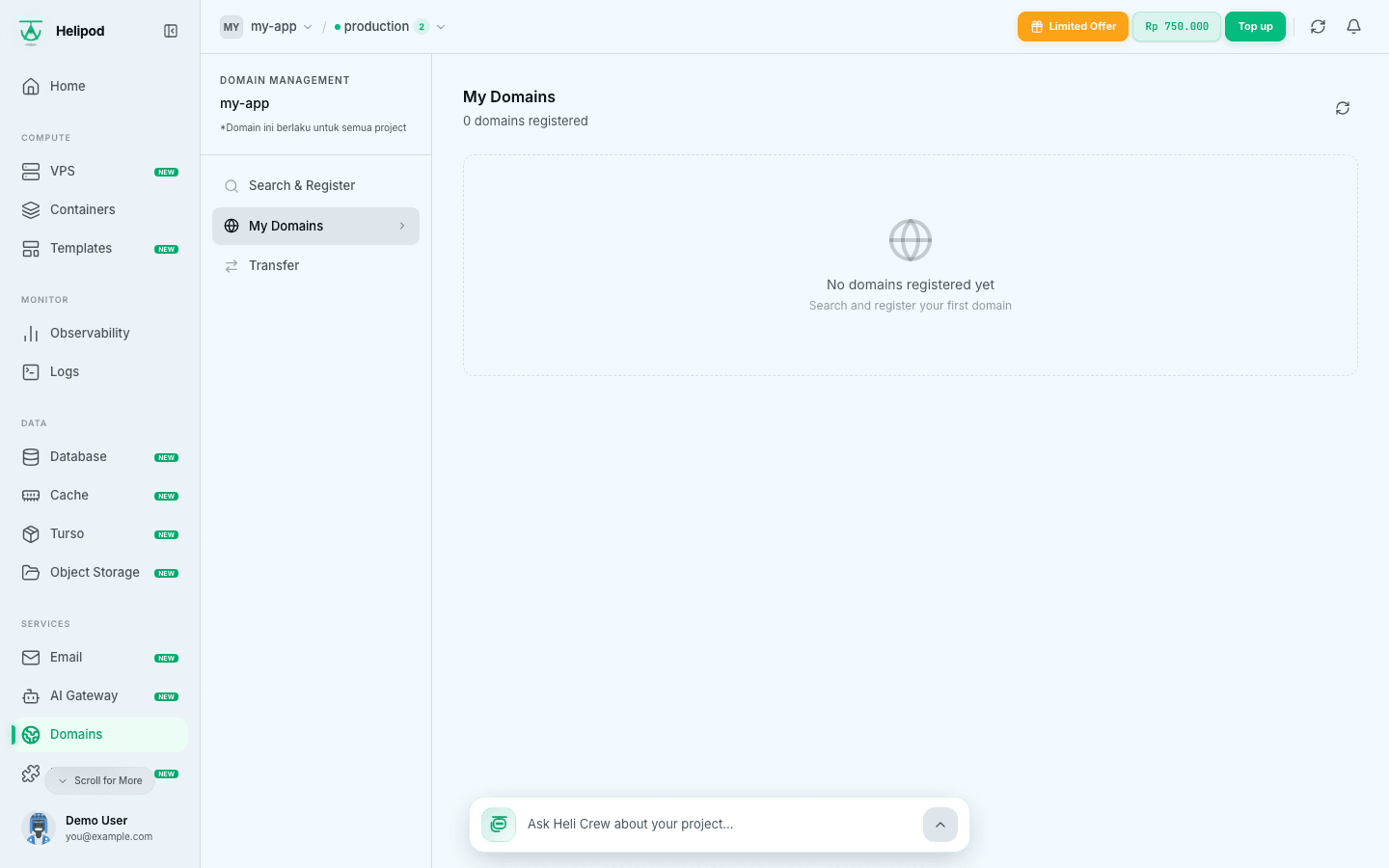
My Domains lists every domain on your account with totals for Total, Active and Expiring < 30d, and a search box. Each domain shows its status, its expiry date with the days left, and a WHOIS badge when protection is on.
| Status | Meaning |
|---|---|
| Active | Registered and working. |
| Pending | The registration is still being processed. |
| Transferring | The domain is moving to Helipod from another registrar. |
| Expired | The registration period ended. |
To extend an active domain, click Renew. Confirm Renewal shows the price for 1 year (including PPN 11%), charged to your wallet.
Manage a domain
Click a domain in My Domains to open it. The detail page has four tabs.
DNS Records
DNS Records lists the domain's records with Type, Name, Content and TTL.
Add a record
Click Add Record. Fill in:
- Name:
@for the root domain, or a subdomain such aswwworapi. - Type:
A,AAAA,CNAME,MX,MXE,SPForTXT. - TTL: how long resolvers cache the record. Pick 5 min, 1 hour or 1 day.
- Content: the IP address, hostname or text the record points to.
Save
Click Save record, then confirm Save DNS Records?.
Use the buttons on a row to edit a record, copy its content, or delete it (Delete DNS Record? asks you to confirm). If a new record conflicts with an existing one (for example a CNAME on a name that already has an A record), delete the old record first.
These records are only used while the domain uses the default nameservers. If you change the nameservers to another DNS provider, manage your records there instead.
Nameservers
Nameservers shows the nameservers the domain uses. To move DNS to another provider, replace them with the ones your provider gives you (use Add Nameserver for more rows) and click Save Nameservers. At least 2 nameservers are required.
Child NS
Child NS manages glue records, for when you run your own nameservers under the domain (for example ns1.yourdomain.com). Click Add New, enter the hostname without the domain (ns1) and its IPv4 or IPv6 address, and click Save.
WHOIS
WHOIS shows whether WHOIS Protection is on. Click Enable protection or Disable protection and confirm. Enabling charges the yearly WHOIS fee; disabling does not refund the fee already paid. While protection is on, its fee is added to each renewal.
Point the domain somewhere
Add records under DNS Records depending on what the domain is for:
| Name | Type | Content | Use |
|---|---|---|---|
app | CNAME | cname.helipod.app | A subdomain on a container |
@ | A | the IP shown for your service or VPS | The root domain on a container or a VPS |
www | CNAME | yourdomain.com | www follows the root |
send | TXT | the value shown on the Email page | Email sending records |
- A container: add the domain on the service, then create the record it shows. See Custom domain.
- A VPS: point an
Arecord at the VPS IP. See VPS ports and domains. - Email: copy the records shown on the Email page. See Email sending domain and Mailboxes.
DNS changes can take from a few minutes up to the record's TTL to be seen everywhere.
Transfer a domain
To move a domain you already own at another registrar to Helipod, open the Transfer tab and click Open Support Ticket. Our team handles the transfer with you.