Automate Helipod with n8n
Add the Helipod node to an n8n workflow, connect your account with an API key or Connect with Helipod, and build a first workflow.
The Helipod node is a verified n8n node: deploy and restart services, read logs, ask an AI model, run SQL, order a VPS, change DNS, send email and watch your wallet, all from a workflow. This guide adds the node, connects your account and builds a small workflow that warns you when your balance runs low. For the full list of operations see n8n.
Add the Helipod node
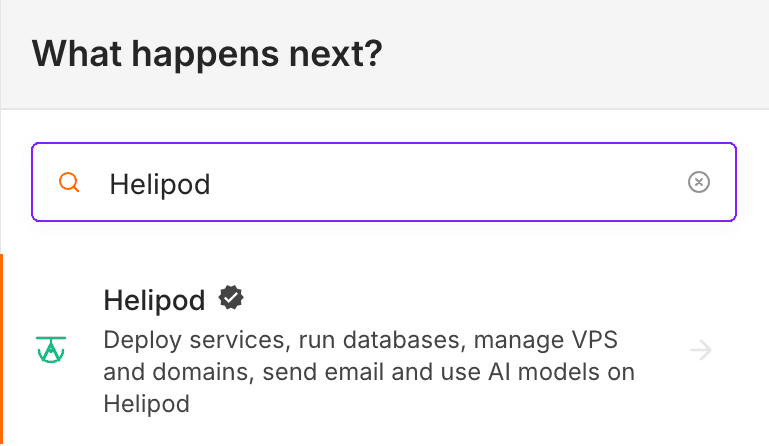
Search for Helipod
Open a workflow, click + and type Helipod. The Helipod node is verified by n8n and ships with n8n itself, so there is nothing to install.
On an n8n version from before the Helipod node was added, install it once: Settings → Community nodes → Install, enter n8n-nodes-helipod and confirm.
Pick an action
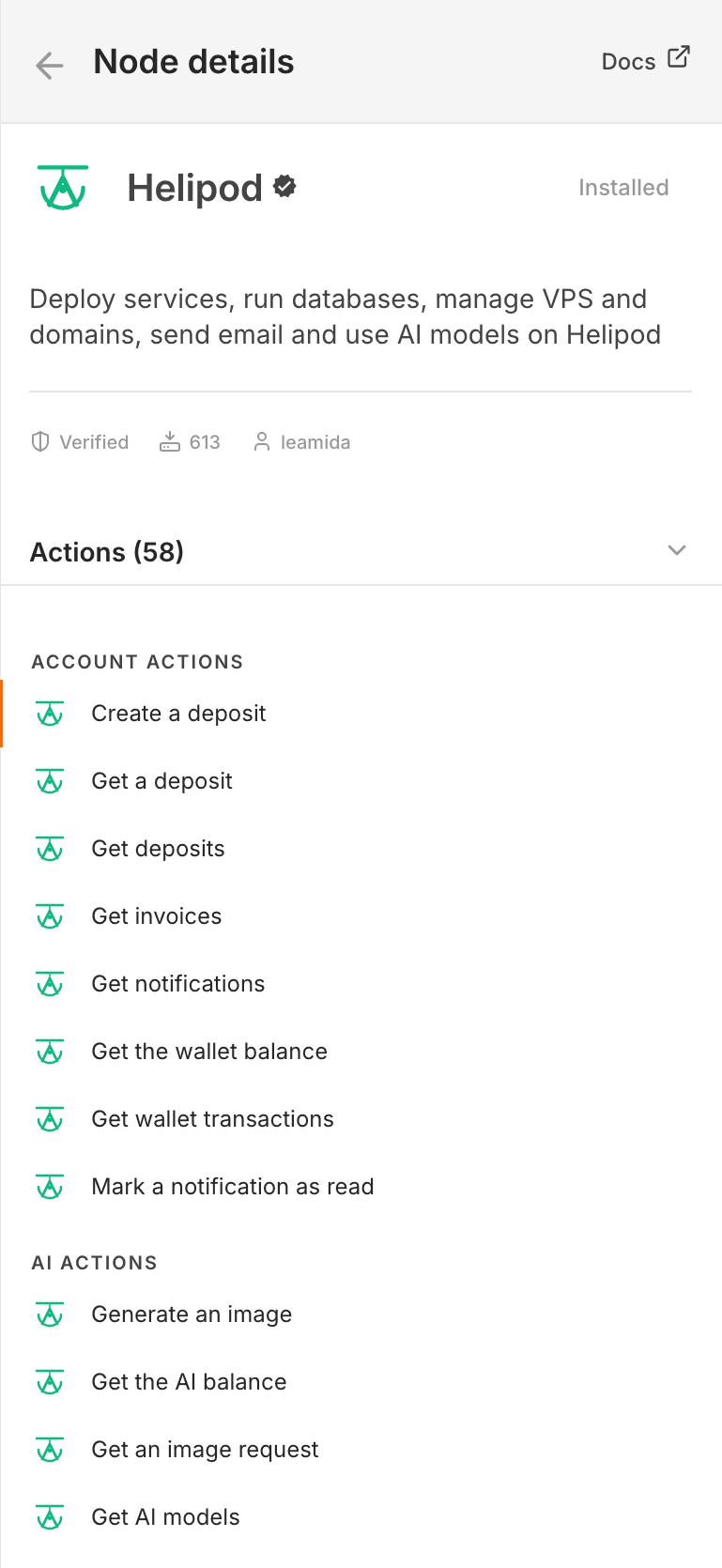
Click the Helipod node to see its 58 actions, grouped by product: Account, AI, Database, Domain, Email, Project, Service and Virtual Server (VPS). Pick the one the step should do. Helipod has no trigger of its own: start the workflow with a Schedule, Webhook or any other trigger.
Connect your account
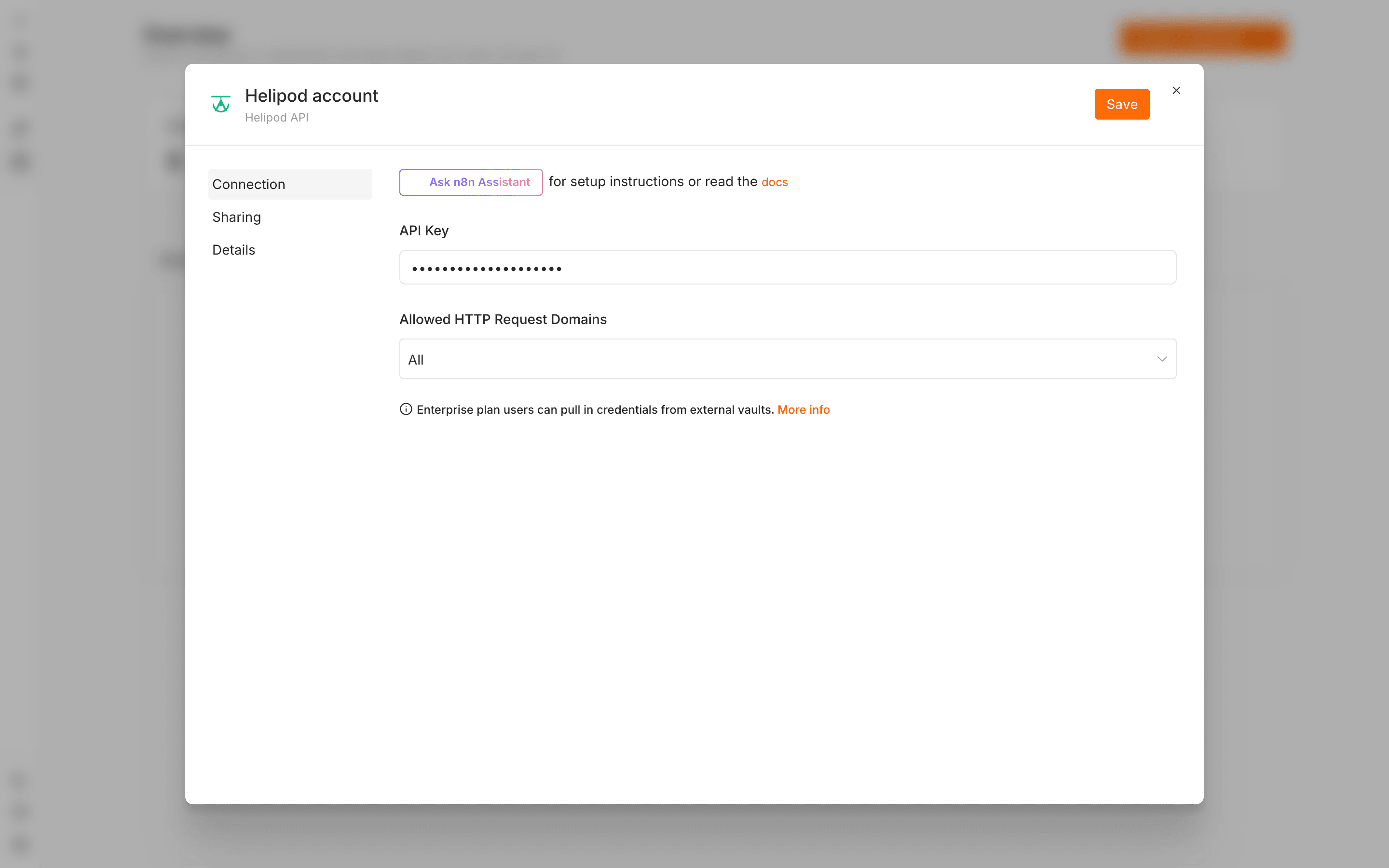
Click Connect to Helipod in the node's Credential field (or Create new credential) and pick one of the two credential types: an API key (quickest) or Connect with Helipod (OAuth2: you sign in instead of pasting a key, and choose what n8n may do).
Create an API key in Helipod
In the dashboard open Settings → API keys and create a key. Tick the products the workflow uses (Container API, VPS API, Database API, Domain API, Email API, AI Gateway API, Account API). Domains, the wallet and invoices need Whole account access. See API keys and MCP.
Paste it into n8n
Choose the Helipod API credential, paste the key (it starts with hel_) and click Save. n8n checks the key right away.
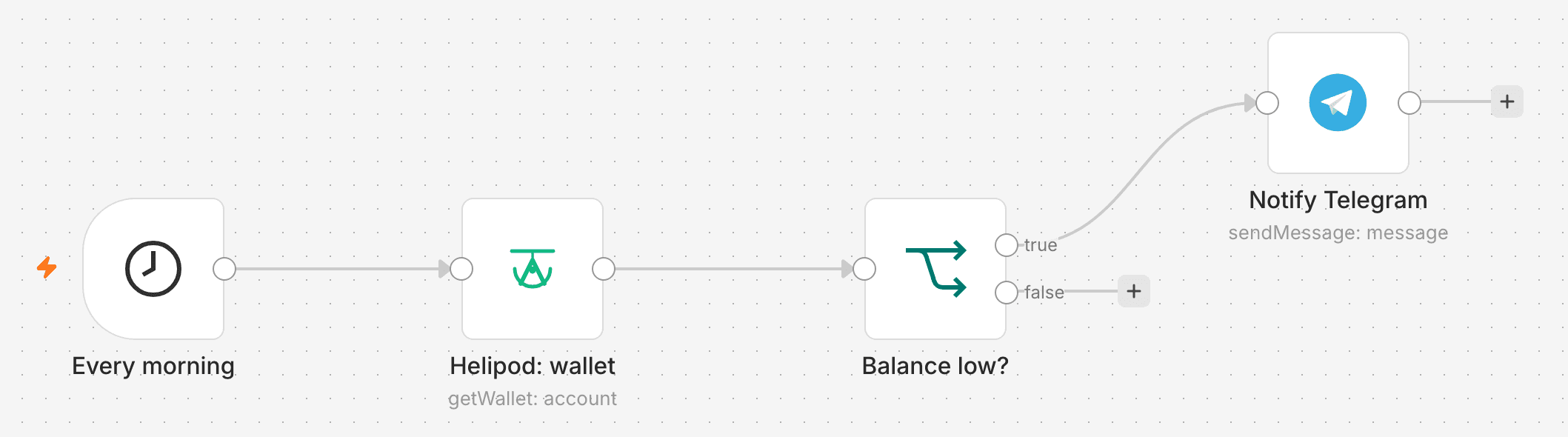
Build a first workflow: low balance alert
Trigger every morning
Add a Schedule Trigger that runs every day, for example at 08:00.
Read the wallet
Add the Helipod node with the action Get the wallet balance (Account → Get Wallet). Click Execute step: the output shows your balance.
Check the balance
Add an If node that checks whether the balance is below the amount you care about.
Send the alert
On the true branch add Telegram, Slack or Gmail and write the message. Activate the workflow.
Good to know
-
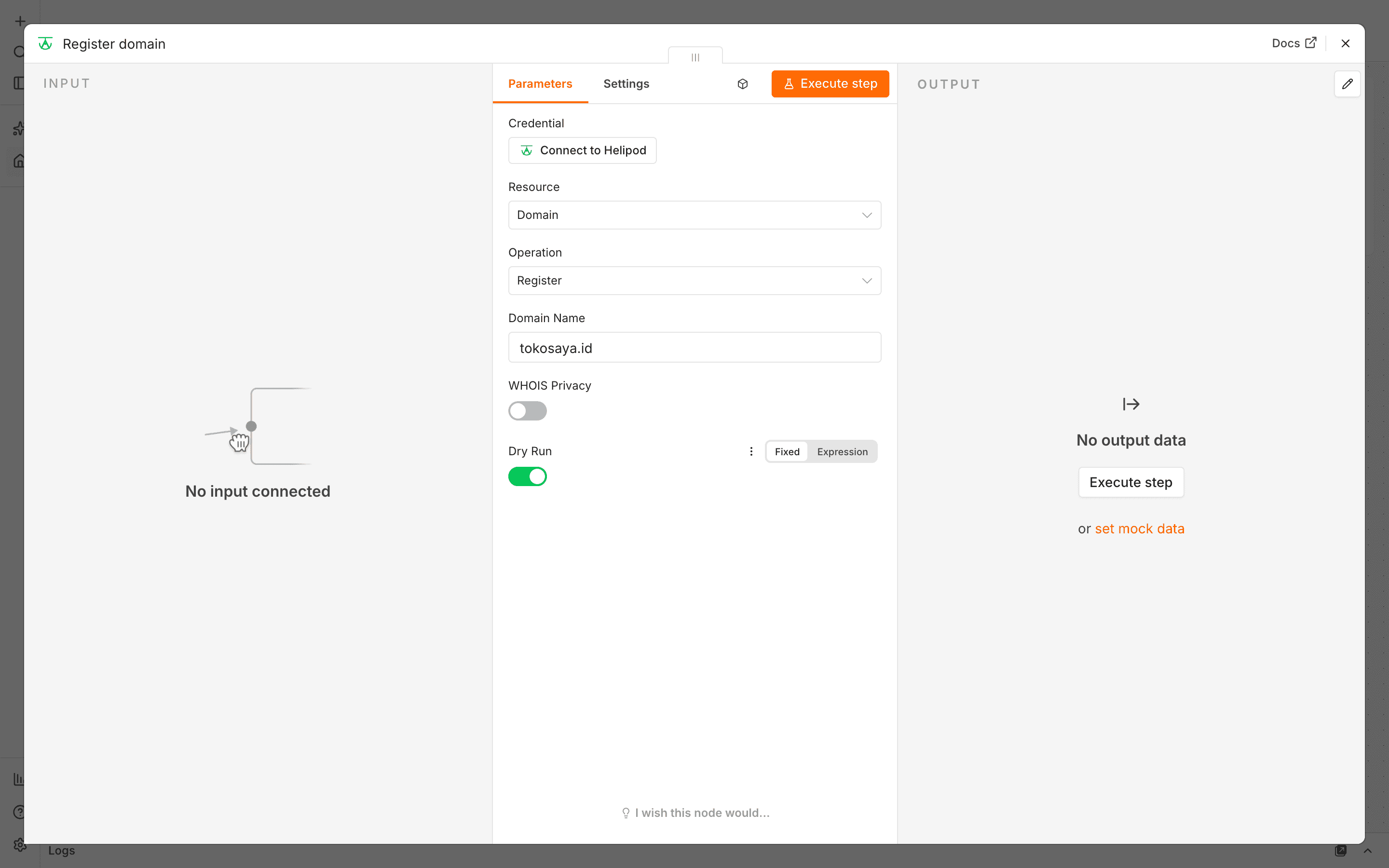
Dry Run first. Actions that cost money (create a service or VPS, register a domain, generate an image, top up) have a Dry Run switch. Turn it on and run the step: you get the price and nothing is created or charged. Turn it off to do it for real.
-
SQL is read-only by default. Database → Execute Query only reads unless you turn on Allow Writes.
-
Errors are Helipod's own. When a call fails, n8n shows the message Helipod returned (for example a missing scope or a low balance), so you know what to fix.
-
AI Agent tools. Every operation can also be given to n8n's AI Agent node as a tool.
More ideas
| Workflow | Nodes |
|---|---|
| Summarise errors | Schedule → Helipod Service: Get Logs → Helipod AI: Message a Model → Telegram |
| Daily report | Schedule → Helipod Database: Execute Query → Google Sheets |
| Redeploy on push | Webhook from GitHub → Helipod Service: Deploy |
| Self-healing | Schedule → HTTP Request to your app → If it fails → Helipod Service: Restart |
| New server with a domain | Form → Helipod VPS: Create → Helipod Domain: Update DNS Record |